
From Ready to Running: Your 6-Week AI Pilot Playbook
So you’ve taken the quiz and know your ready for AI. You’ve pulled your search data. You’ve chosen your pilot group. You’ve defined success metrics.
You know what happens when things go wrong, and you’re ready to start with what you have today.
Now what?
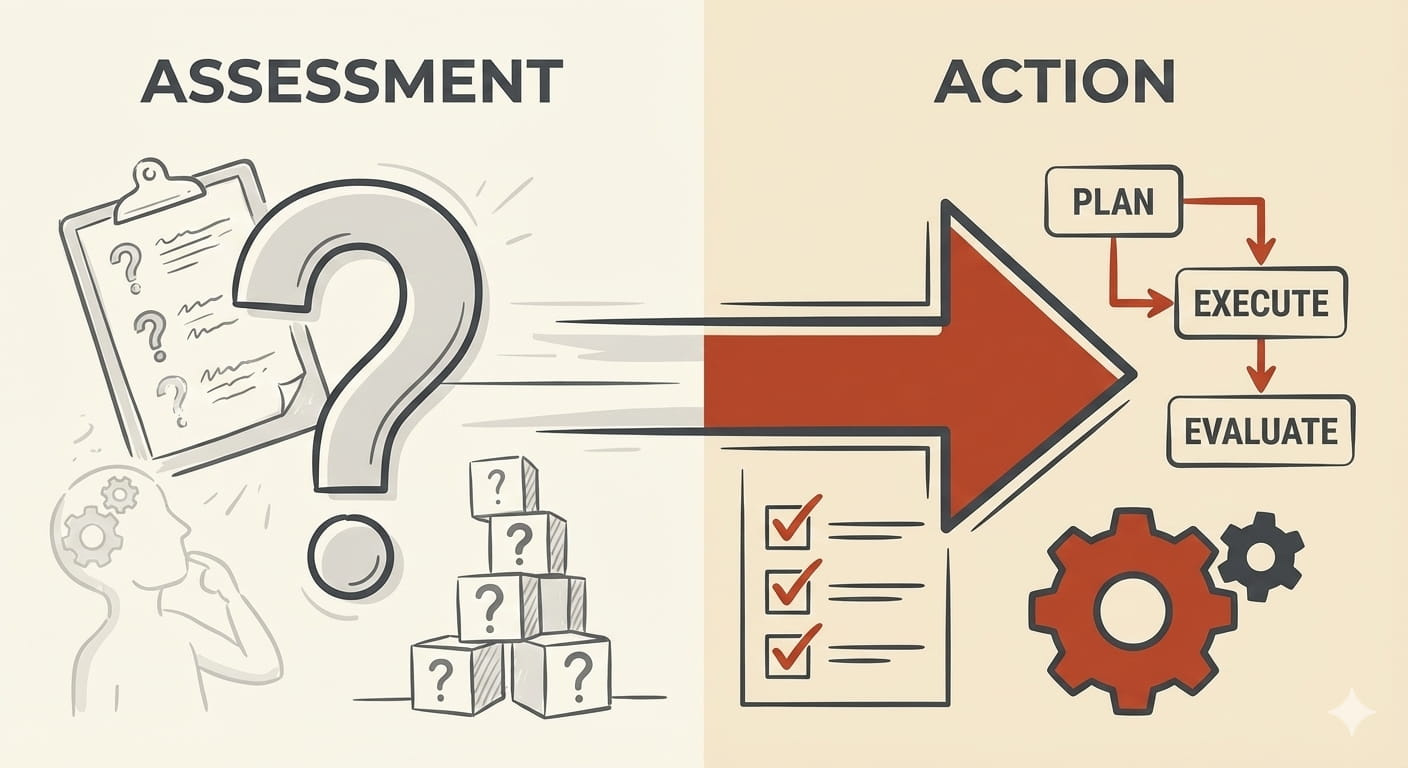
Most teams stall here. They’ve done the assessment, but they don’t know how to turn those answers into action.
Here’s your six-week playbook.
Week 1: Turn Your Search Data Into Your Test Set
Remember those top 20 queries you pulled? They’re not just data points. They’re your golden test set.
Here’s what to do:
- Start with your users actual top 20 queries. Don’t add what you think people should be asking. Use what they’re actually asking.
- Write 3-5 variants of each query. People ask the same thing different ways. “How do I reset my password?” becomes “forgot password”, “can’t login”, “password reset steps”.
Prompt for Generating Query Variants
Copy/paste this into Claude, ChatGPT, Gemini, or your LLM of choice:
I'm building a test set for an AI pilot. I need you to generate 3-5 query variants for each of my top search queries.

Generate variants that reflect how REAL USERS actually ask questions - not how we wish they'd ask.

For each original query, provide:
- Full question versions (formal and casual)
- Keyword/fragment versions (how people search)
- Common misspellings or typos (if relevant)
- Different phrasings of the same intent

Format your response as a simple list under each original query.

Here are my top queries:

[PASTE YOUR TOP 20 QUERIES HERE]

Example of what I'm looking for:

Original: "How do I reset my password?"
Variants:
1. forgot password
2. can't login password
3. reset my password
4. password reset steps
5. how to change password

Now generate variants for my actual queries above.

Generate 3-5 different ways users might ask this same question:

[PASTE YOUR QUERY HERE]

Include:
- Full questions (formal and casual)
- Search keywords only
- Common variations

Example:
Query: "How do I reset my password?"
1. forgot password
2. can't login
3. reset password steps
4. change my password
5. password not working
Tips for getting Good Variants
After you get the variants, validate them:
- Would your actual users say this?
- Are these too formal/corporate?
- Missing the frustrated/urgent versions? (”can’t get in!” vs “how do I access my account”)
Common patterns to check for:
- Question format: “How do I…”, “Where can I…”, “What’s the…”
- Fragment format: Just keywords “reset password”, “refund policy”
- Broken English: “password change how”
- Typos: “pasword reset”, “acount login”
- Urgent: “locked out”, “can’t access”, “not working”
That’s 60-100 test questions from your top 20. This is your baseline.
Get SMEs to validate the answers. Not write them. Validate them!
Pull the actual content you have today and ask: “Is this the right answer?” If they say “sort of” or start editing, you’ve found a content gap.
Document the expected answer for each test question. One paragraph. The source document. Done.
This takes 2-3 hours if you’re focused. A week if you get stuck in meetings about it.
Week 2: Set Up Your Pilot Group Properly
Your pilot group doesn’t need training. They need context.
Tell them three things:
- What you’re testing: “We’re testing if AI can answer the 20 most common questions faster than searching our knowledge base.”
- What you’re NOT testing: “We’re not testing edge cases, policy exceptions, or complex scenarios yet.”
- How to give feedback: “Rate each answer. Flag wrong answers. Tell us what’s missing.”
Give them specific scenarios to try. Don’t just say “use it when you need it.” Say “try these 10 queries this week and tell us what happens.”
Make feedback ridiculously easy. A simple form. Five questions max. Weekly check-ins, not daily surveys.
Set expectations on timelines. “We’re running this for 4 weeks. Week 1 will be rough. Week 4 should feel useful.”
The goal isn’t perfection. It’s data.
Week 3: Build Your Tracking Dashboard
Remember those success metrics you defined? Track them from Day 1.
Your dashboard should show:
- Usage rate: How many pilot users are actually using it? Target: 70% active weekly by Week 4.
- Query volume: How many queries per user per week? Target: 3+ by Week 4.
- Satisfaction score: Simple 1-5 rating after each query. Target: 4.0+ by Week 4.
- Accuracy on golden set: Run your test set weekly. Target: 80%+ by Week 4.
- Compliance violations: Zero tolerance. Track every instance.
Weekly snapshots, not real-time panic. Check the dashboard Monday morning. Review trends. Adjust based on patterns, not outliers.
Share progress transparently with your pilot group. “We’re at 65% accuracy on our test set. Here’s what we’re fixing this week.”
This builds trust. They know you’re watching. They know you’re improving.
Week 4: Activate Your Hallucination Plan
Your AI will get things wrong. That’s not failure. That’s expected.
Here’s your response loop:
Document every wrong answer. Screenshot it. Save the query. Note what it said vs what it should have said.
Weekly review session with your team. 30 minutes. Go through the fails.
Decide for each one:
- Fix the content (gap in your knowledge base)
- Tune the prompt (AI needs better instructions)
- Adjust scope (query outside your pilot boundaries)
- Known limitation (document and move on)
Track patterns, not instances. If 3 different users get the same thing wrong, that’s a pattern. Fix it. If one power user found one edge case, document it for Phase 2.
Turn failures into improvements. Week 1 might have 30 fails. Week 4 should have 5.
That’s progress.
Weeks 5-6: Start Small, Expand Smart
You’re not done at Week 4. You’re just hitting your stride.
Now you optimize:
- Nail the top 20 before adding more.
- If your accuracy on those 20 is below 80%, don’t expand scope.
- Fix what you have.
- Let your pilot group tell you what’s next.
- They’ll start asking about related queries. “This worked for password resets, can it handle MFA questions too?”
That’s your roadmap for Phase 2.
Add one topic area at a time. Build 10 new test questions. Validate with SMEs. Run the same process.
Phase 2 is when power users become your secret weapon. They know the edge cases. They’ll stress test your expanded scope. They’ll find the gaps.
But only after you’ve proven it works for the mainstream use cases.
The Timeline Reality Check
Six weeks from answering those 5 questions to a working pilot.
Not perfect. Working.
Your pilot users are getting useful answers most of the time. Your accuracy is trending up. Your hallucination plan is catching the errors that matter.
That’s success.
Most pilots fail because they try to do too much. Every query. Every use case. Perfect accuracy. Zero failures.
You succeeded because you did less, better.
You started with 20 queries. You tested systematically. You tracked what mattered. You fixed what broke.
Now you’re ready to scale. Not to everyone. Not to everything. Just to the next 20 queries with the next pilot group.
That’s how AI actually works in production.
What’s your biggest concern about moving from assessment to action? Reply and let me know. I’ve run this playbook multiple times and I’m happy to help you think through the tricky bits.